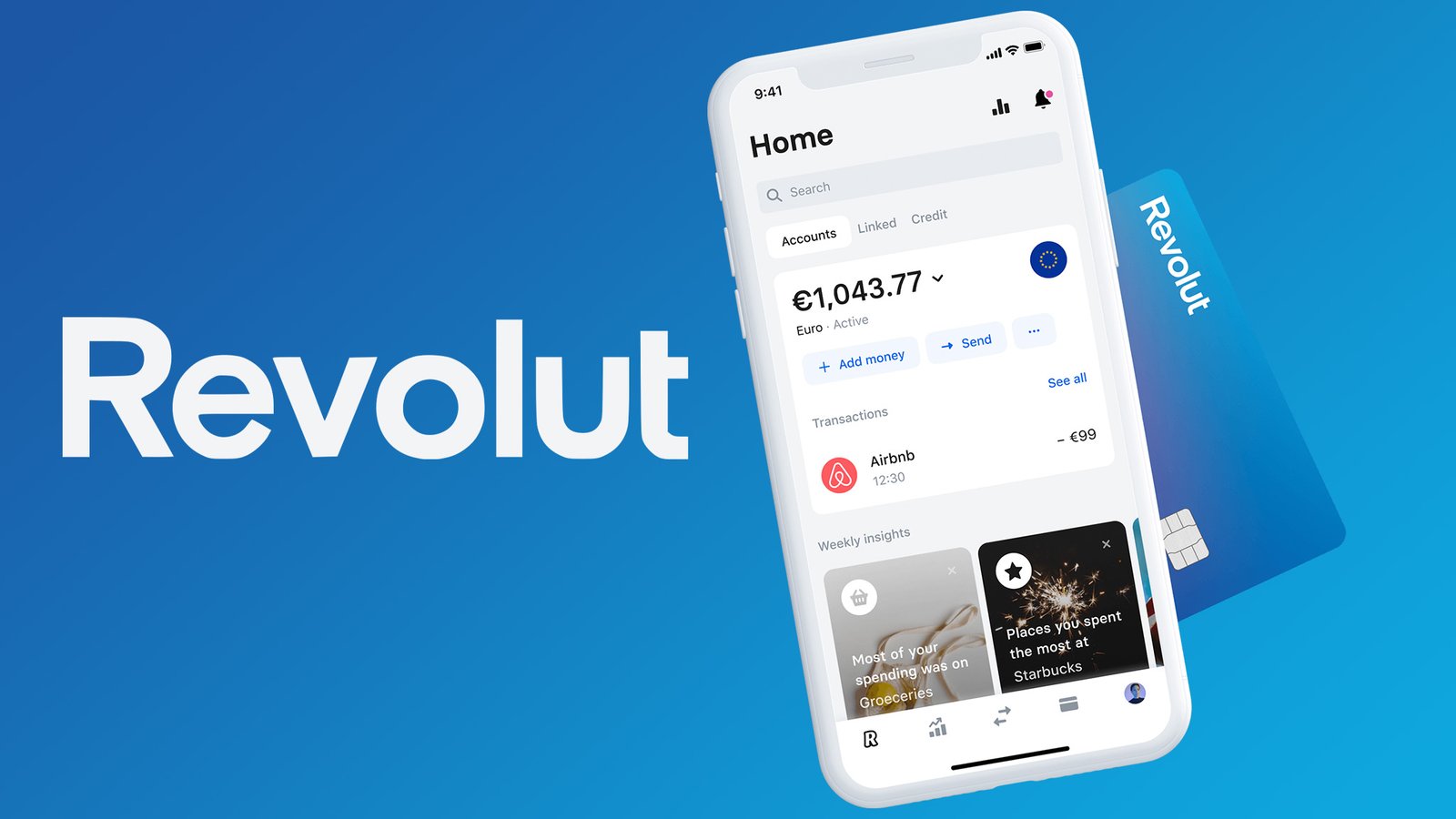
Lack of funds in your Revolut account can lead to a negative Revolut account balance.
The user has 7 days to settle the balance according to an information email we received.
As unlikely as it may seem, creating a negative balance in a Revolut account is very easy and can be done without effort. For example, it’s time to renew your subscription to Revolut and it finds no available balance to withdraw.
Specifically, the message it sends:
Your EUR account balance has dropped below zero. Add money within 7 days to bring your balance back above zero and avoid the recovery process.
While the account balance remains negative, you will not be able to spend from any other balance in your Revolut account.
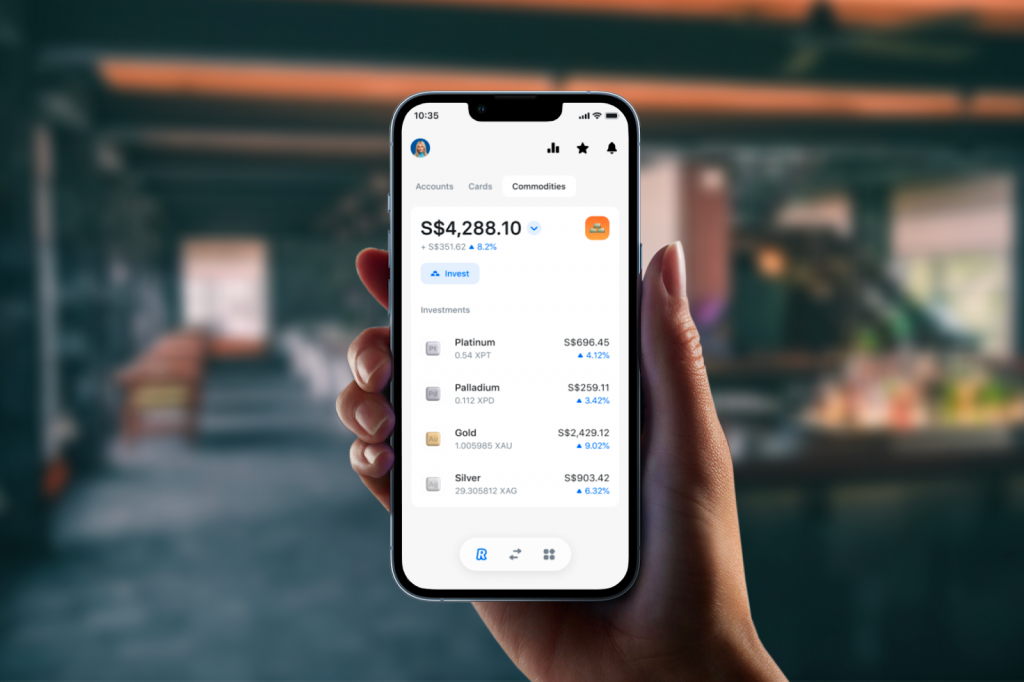
How can I add money to my account?
Click Add money in this email to get started. Alternatively, go to the account with the negative balance from your app Home. Then select Add money and tap the drop-down menu.
You can then add money using one of the following methods:
Bank transfer
Card
Apple Pay and Google Pay
Automatic money addition