What is happening to the audio?
According to Microsoft, the issue affects USB Audio Class 1.0 devices.
After installing the September security update, some devices may fail to start or may stop producing audio altogether.
Users may see a Code 10 error in Device Manager, indicating that the device cannot start.
Other symptoms include no audio output, volume controls that remain at zero or stop responding, and Sound settings that become unresponsive or unavailable.
The problem can also appear in a less obvious way.
Some devices may continue working in standard two-channel stereo, but fail when users switch to multichannel configurations such as 8-channel or 3D audio. Microsoft says some customers have reported restoring sound by switching back to two-channel mode.
Not every Windows 11 PC is affected
This is an important distinction.
Microsoft is not saying that every Windows 11 computer will lose audio after the September update.
The confirmed issue is limited to USB Audio Class 1.0 devices.
For Windows 11 24H2 and 25H2, the problem is associated with KB5124008, while Windows 11 26H1 has the corresponding issue under KB5124012.
A laptop using only its built-in speakers may therefore remain unaffected, while a desktop user relying on USB headphones, a DAC, microphone or another USB audio device could suddenly lose sound.
Microsoft does not have a permanent fix yet
The biggest problem for affected users is that Microsoft has not released a final fix yet.
The Windows Release Health documentation lists the issue as Confirmed and says Microsoft is working on a resolution that will be delivered through a future Windows update.
In other words, there is currently no dedicated patch that completely resolves the problem.
That is particularly inconvenient for people who depend on USB audio hardware for video calls, streaming, recording, podcasting or professional work.
There is a temporary option for some systems
Microsoft does not provide a universal workaround, but its documentation points to one possible temporary solution.
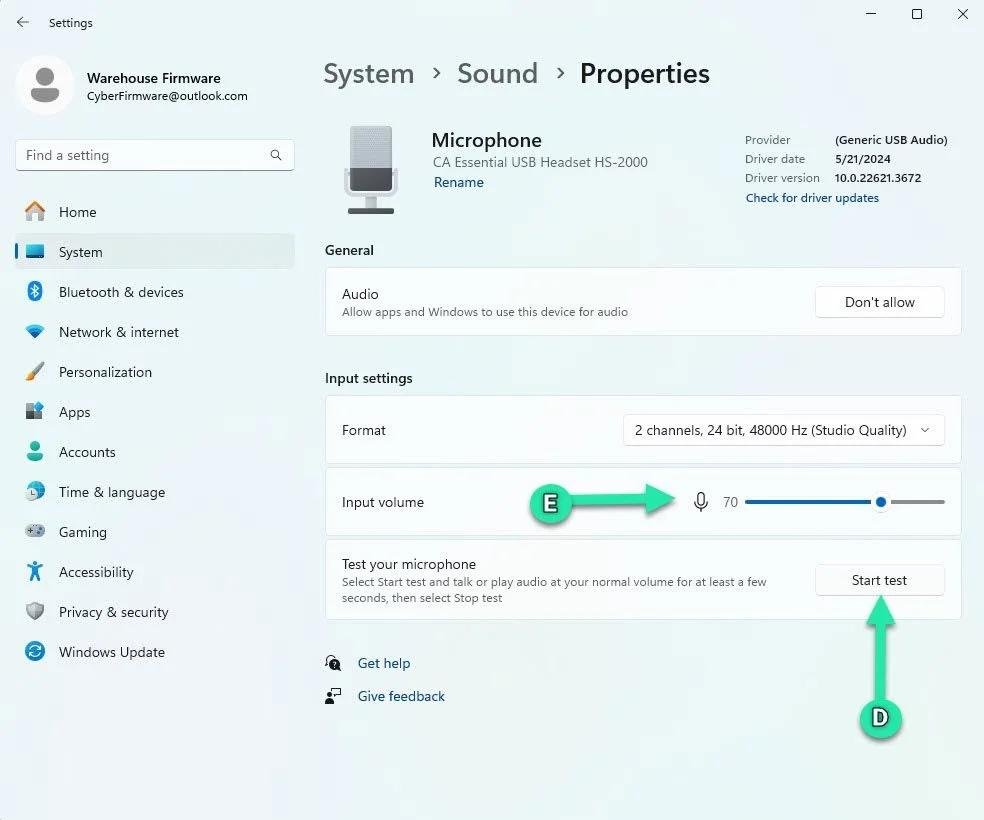
If a device works correctly in two-channel stereo but fails in multichannel modes, switching back to a two-channel configuration may restore audio on some systems.
It is not a guaranteed fix and will not solve every affected setup.
Users should therefore treat it as a workaround rather than a permanent solution.
Should you uninstall the update?
This is where things become more complicated.
The affected packages are security updates, meaning uninstalling them just to restore audio could also remove important security fixes included in the September release.
For users whose audio hardware is critical, the safer approach may be to use another audio device or configuration while waiting for Microsoft’s fix, rather than immediately removing a security update.
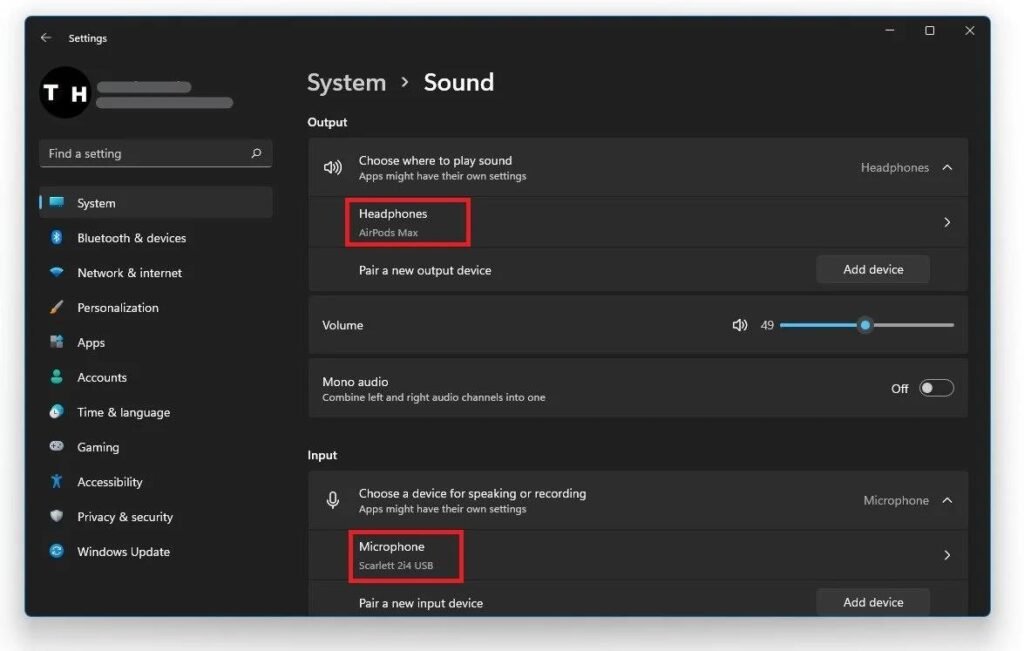
Microsoft also recommends standard troubleshooting steps such as checking whether Windows detects the audio device and installing the latest compatible driver from the hardware manufacturer.
Why the issue matters
Windows update bugs are not unusual, but this one affects a very basic PC function: audio.
A user can install a security update, restart the computer and then discover that a USB headset or microphone no longer works.
Microsoft has not disclosed how many users are affected, so there is no evidence that this is a widespread failure across Windows 11 PCs.
What is clear is that Microsoft has formally recorded the problem in its own Windows Release Health documentation.
What users should check
If audio stopped working shortly after the September 8 update, the first step is to check Windows Update History.
If KB5124008 is installed on Windows 11 24H2 or 25H2, or KB5124012 on Windows 11 26H1, and the affected hardware is a USB Audio Class 1.0 device, the Microsoft-confirmed bug could be responsible.
If the device still works in stereo, switching to two-channel audio may provide a temporary workaround.
If that does not help, there is currently no universal Microsoft fix.
Microsoft is working on a fix
The good news is that Microsoft has acknowledged the issue and is actively working on a resolution.
The company says it will update its documentation when more information becomes available or a fix is released.
Until then, Windows 11 users relying on USB audio hardware should be aware that a security update installed for protection can, in some configurations, leave their PC without working sound.
And this is one of those cases where “Update installed successfully” does not necessarily mean everything went smoothly.
Microsoft has confirmed that its September 8, 2026 security updates can cause some USB Audio Class 1.0 devices to stop working properly on Windows 11. Affected users may see no sound, unresponsive volume controls or a Code 10 error, while Microsoft says it is working on a permanent fix. A Windows 11 security update is causing an unexpected problem for some PC users: their USB audio devices can stop producing sound.
Microsoft has officially acknowledged the issue in its Windows Release Health documentation, classifying it as a confirmed known problem rather than an isolated collection of user complaints. The affected September updates include KB5124008 for Windows 11 24H2 and 25H2, while Windows 11 26H1 is affected through KB5124012.