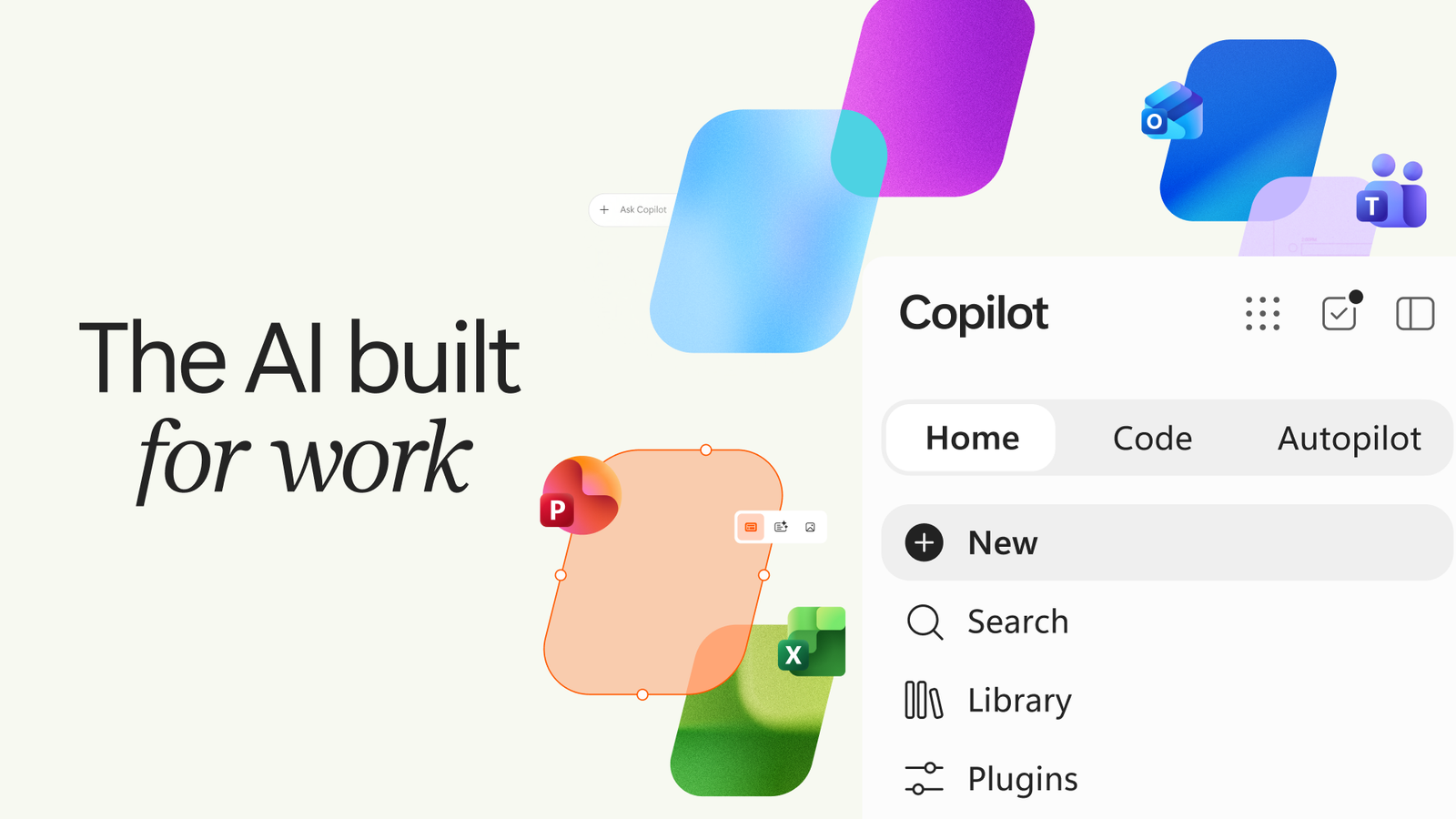
Microsoft is changing what Copilot is supposed to do
Microsoft has introduced a redesigned version of Copilot, expanding the platform beyond the traditional chatbot model.
The new Copilot experience is built around three major capabilities: Home, Code and Autopilot.
Home brings Chat and Cowork together while integrating Microsoft 365 applications. Code is designed to let users build applications and other software through natural-language instructions. Autopilot is a persistent AI agent designed to keep working proactively in the background.
The broader shift is straightforward:
Copilot is moving from an AI that mainly answers questions toward an AI that can participate in the work itself.
Home brings work into one AI interface
Home is the new central starting point for Copilot.
Microsoft is bringing Chat and Cowork together while integrating Word, Excel and PowerPoint into the Copilot experience.
The goal is to reduce the constant switching between applications.
Instead of searching for information in one place, copying it into a document and then moving to another application for analysis, Copilot is designed to connect those steps more closely.
Microsoft is effectively turning Copilot into an AI layer across its productivity ecosystem.
Copilot Code lets users describe software instead of starting with code

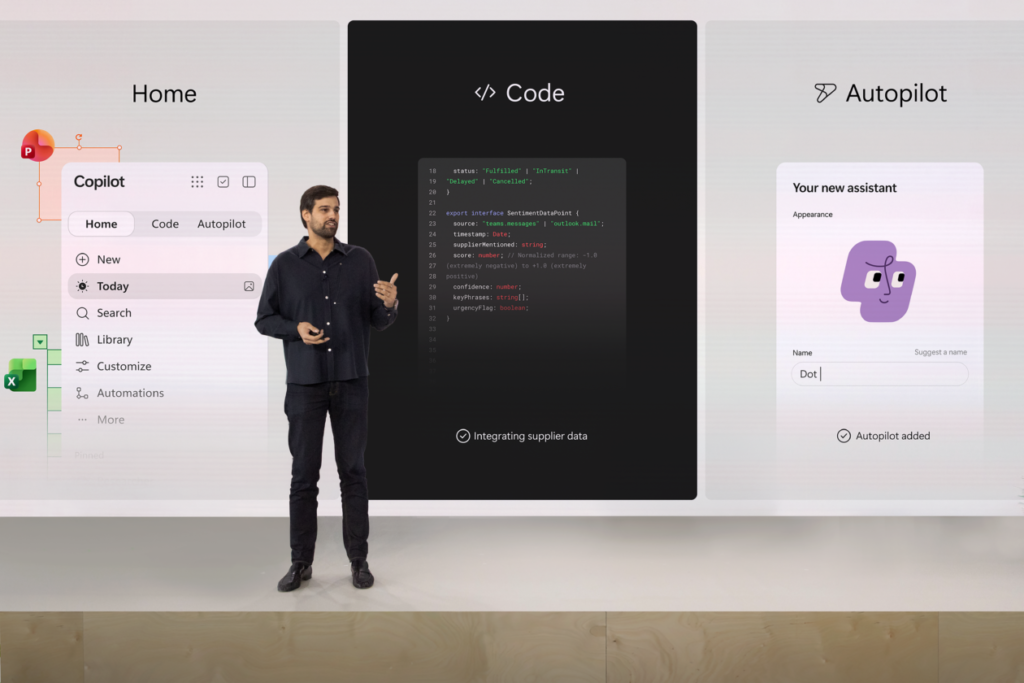
One of the most significant additions is Copilot Code.
Microsoft says users can describe the application, dashboard or tool they want to build in natural language, with Copilot generating the underlying code. The technology uses the same underlying technology as GitHub Copilot.
That does not mean traditional software engineering disappears.
Developers still need to review, test and secure generated code, while making architectural decisions and controlling access.
But the starting point changes.
Instead of beginning with an empty editor, a user can begin with a description of the desired result.
That could lower the barrier to creating internal tools and simple applications, while also giving professional developers another layer of automation.
Autopilot is the bigger shift
The most consequential change may be Autopilot.
Microsoft describes it as a persistent and proactive personal agent with its own identity, memory and access to tools. It can operate in the background using Microsoft 365 and Work IQ within organizational controls.
This is fundamentally different from a chatbot waiting for the next prompt.
An agent can potentially:
- track tasks;
- analyze information;
- prepare documents;
- work with applications;
- perform multiple steps;
- and continue a workflow without a new instruction after every action.
Autopilot is currently being tested in private preview.
Why Microsoft is making the move now
Microsoft is competing in a rapidly changing AI market.
AI systems are increasingly moving from simple text generation toward agents that can use tools and perform multi-step tasks.
Reuters reported that Microsoft is expanding Copilot as it competes with products such as ChatGPT and Claude, seeking to turn its assistant into a central workplace platform.
Microsoft also has a major advantage: Copilot can be connected to an enormous existing ecosystem of productivity and enterprise software.
That makes its strategy different from a standalone chatbot.
The difficult question: how much autonomy should AI have?
Greater capability creates a greater need for control.
Microsoft says Autopilot will operate with defined permissions and organizational guardrails.
That matters because an AI assistant that can access documents and applications has a different risk profile from one that only generates text.
Companies need to know:
What can the agent see?
What can it change?
What can it send?
Which actions require human approval?
These questions will become increasingly important as AI agents move deeper into enterprise workflows.
Microsoft is also addressing AI costs
Microsoft has introduced cost-management capabilities designed to give employees and organizations more visibility into AI usage costs.
That may become important as agents become more autonomous.
A chatbot might be used occasionally.
An always-on agent can potentially perform many operations in the background.
For businesses, the question therefore becomes not only:
What can AI automate?
but also:
How much does that automation cost?
What does this mean for users?


The biggest change could be the way people interact with computers.
The traditional model is:
open an application → find the feature → perform the task.
The emerging AI model is:
describe the goal → let AI coordinate the steps → review the result.
That could make software more accessible to people who are not highly technical.
But it also creates a new responsibility: users need to understand what an AI agent is doing behind the scenes.
What does it mean for businesses?
For companies, the potential impact is larger.
If agents can interact with email, documents, spreadsheets, internal data and business applications, parts of administrative and analytical workflows could become increasingly automated.
Potential areas include:
- reporting;
- data analysis;
- documentation;
- information management;
- software development;
- research;
- repetitive administrative work.
However, automation does not eliminate the need for human oversight.
Security, permissions, auditability and accountability become part of the AI product itself.
Is the chatbot disappearing?
No.
But its role is changing.
A traditional chatbot is primarily an interface for conversation.
An agent can potentially:
understand a goal → plan → use tools → perform actions → check results.
Microsoft is trying to bring both models together.
Chat for communication.
Code for creation.
Autopilot for action.
That makes the new Copilot more than a visual redesign.
It is an attempt to change the role AI plays inside a computer.
What happens next?
Copilot Code is expected to begin rolling out to early-access customers at the end of September, while additional previews are planned later in the year. Autopilot is currently in private preview.
The most important test will therefore happen after the announcement.
The industry will be watching:
- How reliably agents perform real-world tasks.
- How often they make mistakes.
- How much control users retain.
- How much continuous AI usage costs.
- How willing companies are to give agents access to internal systems.
Those answers will determine whether AI agents become another software feature or a new way of interacting with computers.
Microsoft is pushing Copilot into a new phase.
Home connects AI more closely with workplace applications.
Code lets users create software through natural-language instructions.
Autopilot gives AI a more active and persistent role.
The broader direction is clear:
from AI that answers toward AI that works.
The biggest question for the next stage of AI will therefore not simply be what these systems can do.
It will be how much autonomy people and organizations are willing to give them.
Editorial verification: The key information was checked against Microsoft’s official announcement and Reuters reporting. The story was also cross-checked against the indexed archives of TheTechSpot.digital and Busulla.cc to avoid duplication.